
💆 GoHighLevel snapshot · Med Spas & Aesthetics
Med Spa snapshot mini-course
Six short visual lessons. Follow along in your own GoHighLevel account and you’ll be live by lesson 6.
Lesson 1
Install the Snapshot and Brand It for Your Practice
Lesson 2Respond to Every Consultation Inquiry Fast
Lesson 3Book Consultations and Reduce No-Shows
Lesson 4Follow Up on Every Treatment Plan
Lesson 5Reviews, Referrals and Welcoming Patients Back
Lesson 6Launch Rebooking Intervals and Memberships
Lesson 1 of 6
Install the Snapshot and Brand It for Your Practice
Load the snapshot, enable privacy settings and make every message sound like the practice.
- Load the snapshot from Agency view > Account Snapshots > Imported Snapshots
- Enable HIPAA features on the sub-account if your plan offers them
- Fill in Settings > Business Profile and confirm the time zone
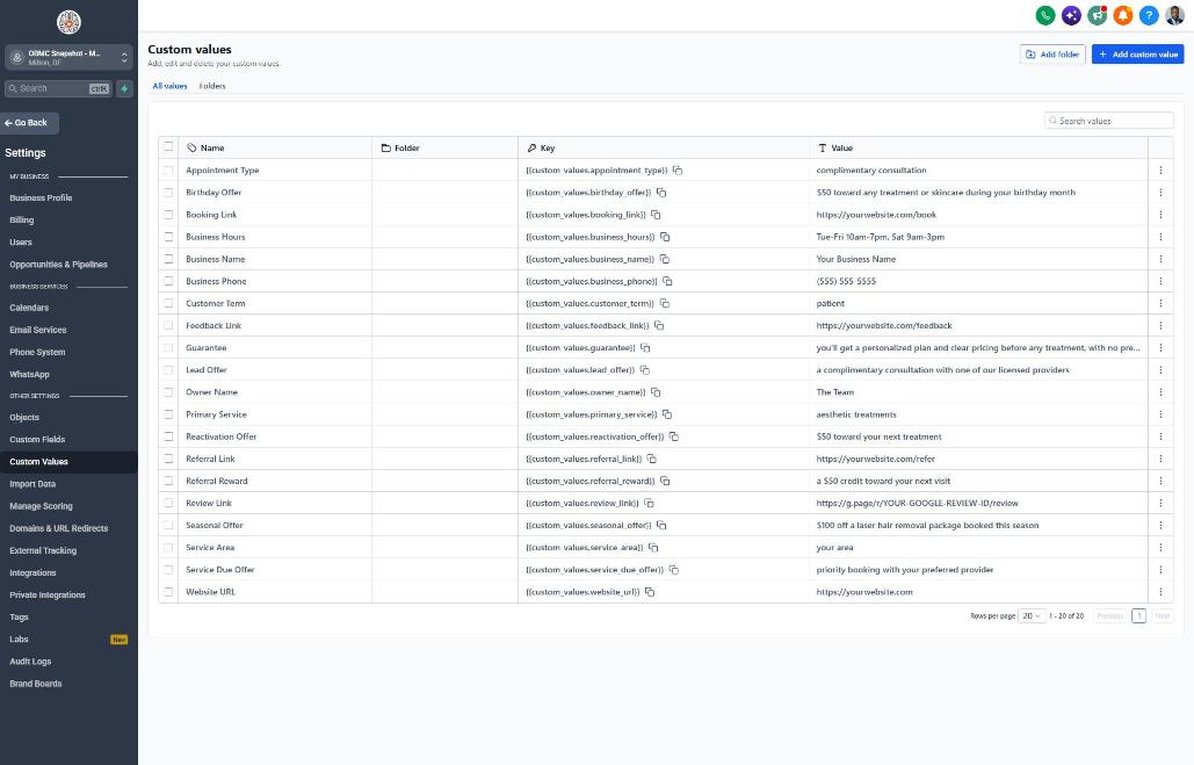
- Complete every value in Settings > Custom Values with approved offer wording
- Review the 7 med spa fields in Settings > Custom Fields
Lesson 2 of 6
Respond to Every Consultation Inquiry Fast
Make sure every inquiry and missed call gets a prompt, privacy-conscious reply.
- Open Sites > Forms > Builder and keep the form to contact and scheduling questions
- Add a consent-to-text checkbox to the form
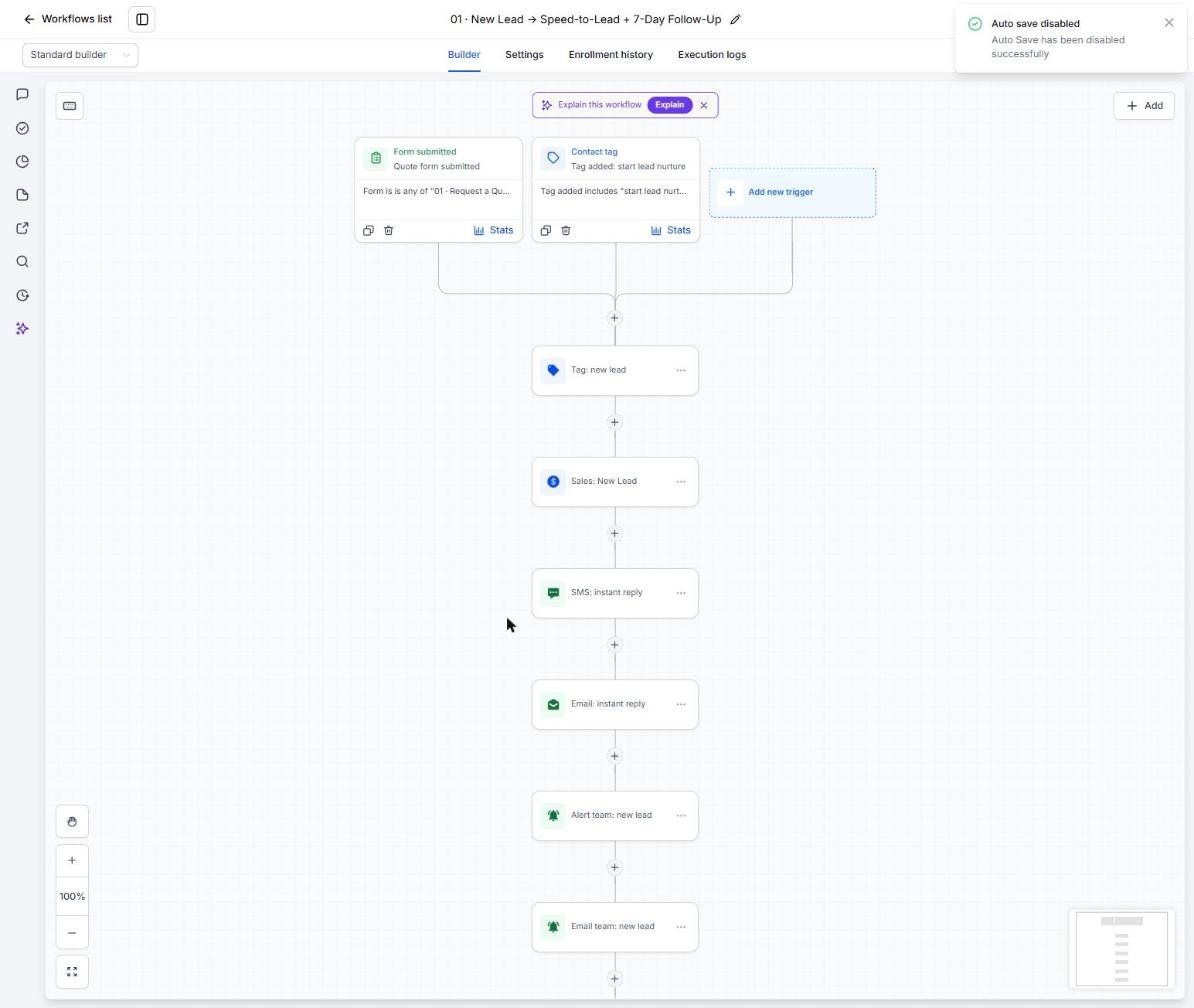
- Review the speed-to-lead copy in Automation > Workflows > 01
- Confirm the missed-call text-back in Workflow 02 is published
- Test with your own phone and email
Lesson 3 of 6
Book Consultations and Reduce No-Shows
Fill provider calendars and make sure patients show up.
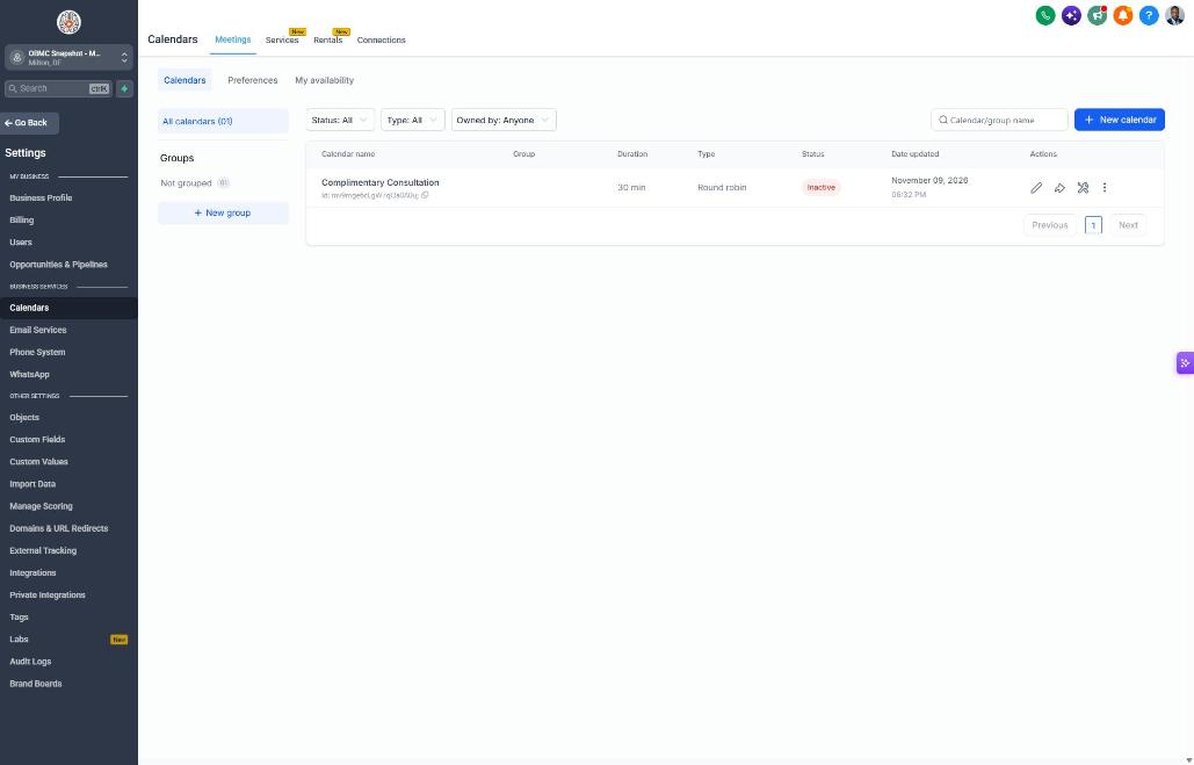
- Open Calendars > Calendar Settings > Complimentary Consultation
- Assign providers and set availability and buffers
- Add your cancellation policy to the calendar description
- Review confirmations and reminders in Automation > Workflows > 04
- Review the gentle rebooking texts in Workflow 05
Lesson 4 of 6
Follow Up on Every Treatment Plan
Move every consultation to a decision without pressure.
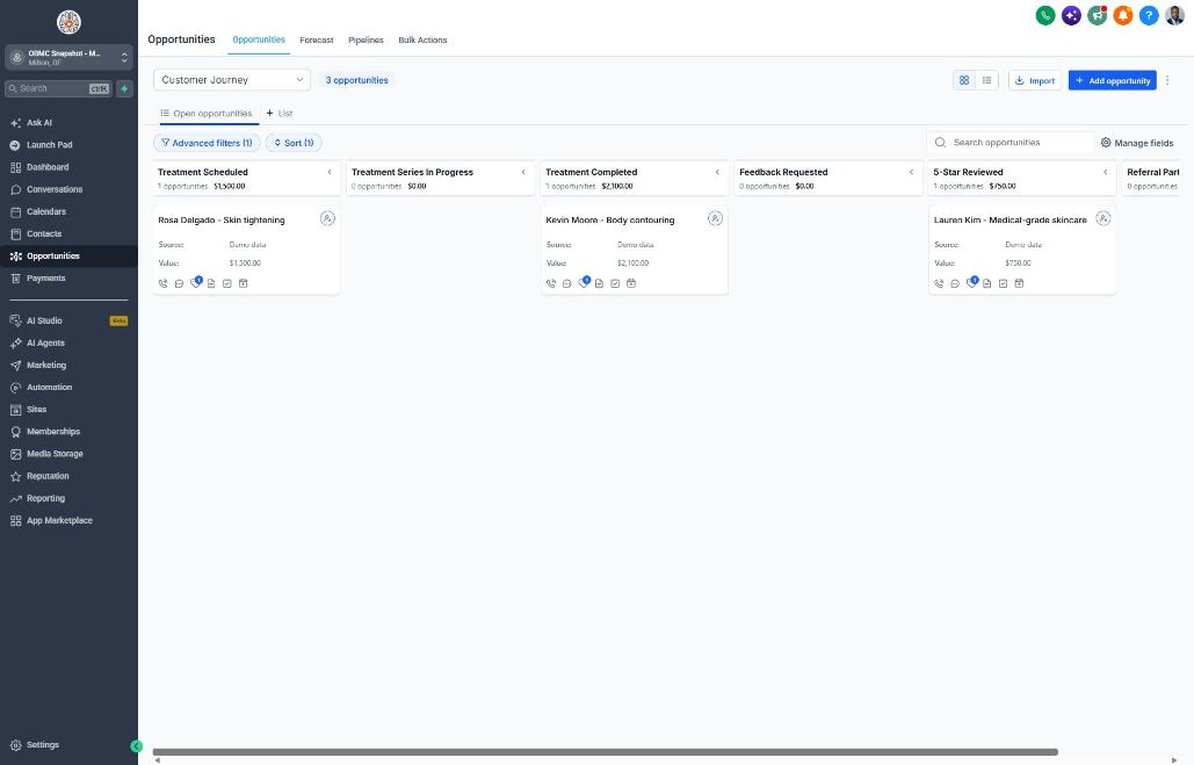
- Open Opportunities > Pipelines and review the Consult Booked to Won stages
- Use plan totals as opportunity values and keep clinical details out of deal names
- Move a test deal to Treatment Plan Sent to start Workflow 07
- Route the Workflow 18 stale deal alert to the practice manager
- Review open plans in a weekly team huddle
Lesson 5 of 6
Reviews, Referrals and Welcoming Patients Back
Grow reviews and referrals and bring lapsed patients back.
- Connect Google Business Profile in Settings > Integrations
- Copy the review link into Settings > Custom Values
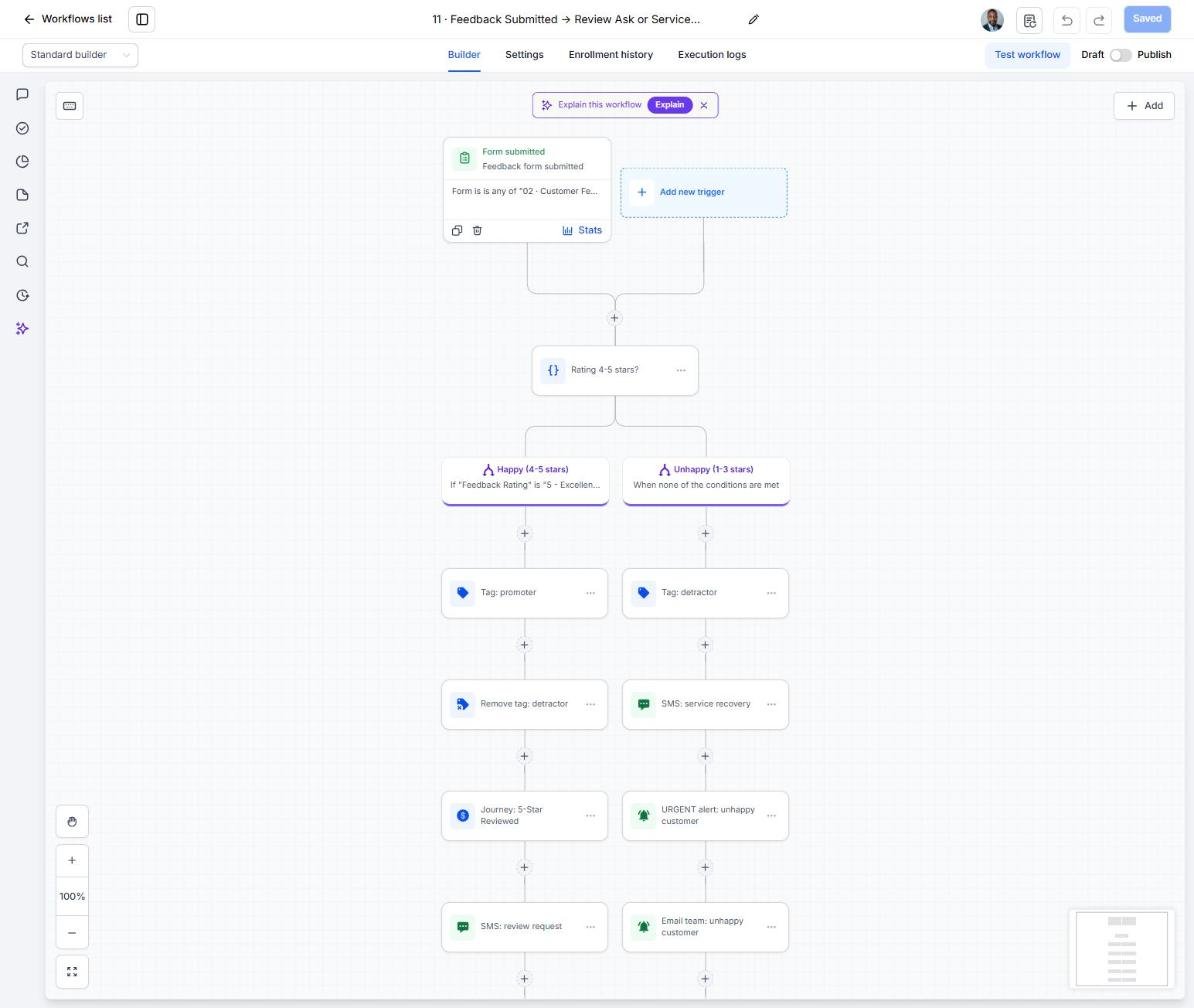
- Review the feedback split in Automation > Workflows > 11
- Check your state's rules on referral rewards before turning on Workflow 12
- Tag a test group of lapsed patients 'start reactivation' to launch Workflow 14
Lesson 6 of 6
Launch Rebooking Intervals and Memberships
Keep patients rebooking on schedule and grow your membership base.
- Set Rebooking Interval and Next Service Due for patients after each visit
- Tag patients due to rebook 'service due' each week to run Workflow 19
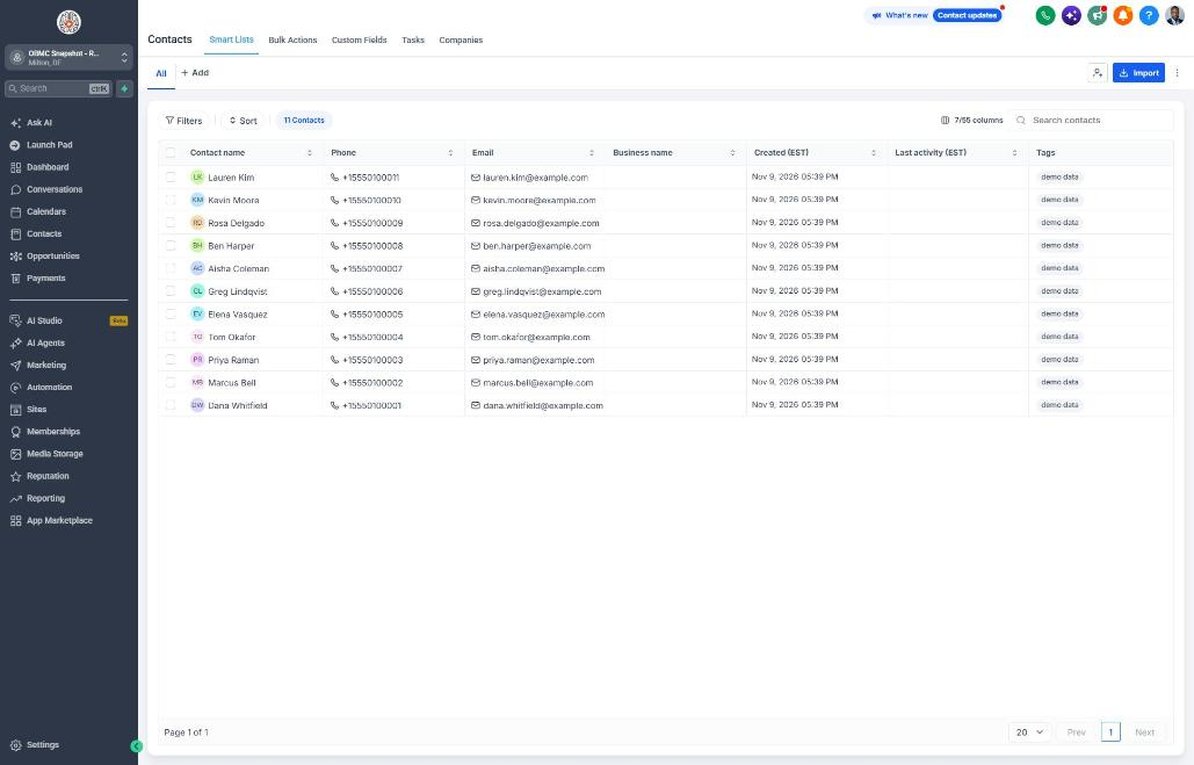
- Filter Contacts by Membership Status = Not a member with 2+ visits and tag them 'niche campaign' to start Workflow 21
- Watch replies in Conversations and call interested patients
- Review rebook and membership KPIs on the Dashboard monthly
Launch your next med spa client this week
One-time $397. Includes the snapshot, both PDFs, the walkthrough and the mini-course. Or get all 20 niches for $1,997.