
⚖️ GoHighLevel snapshot · Personal Injury Law Firms
PI Law snapshot mini-course
Six short visual lessons. Follow along in your own GoHighLevel account and you’ll be live by lesson 6.
Lesson 1
Install the Snapshot and Brand It for the Firm
Lesson 2Capture Inquiries and Respond First, 24/7
Lesson 3Book Free Case Reviews and Recover No-Shows
Lesson 4Work the Intake Pipeline Through Signing
Lesson 5Client Updates, Reviews, Referrals, and Reactivation
Lesson 6Launch Document Collection and Optimize Intake
Lesson 1 of 6
Install the Snapshot and Brand It for the Firm
Load the snapshot and make every message match the firm's voice and fee language.
- Go to Agency view > Account Snapshots and load the OBMC PI Law snapshot into the firm's sub-account
- Open Settings > Business Profile and set the firm name, address, phone, and time zone
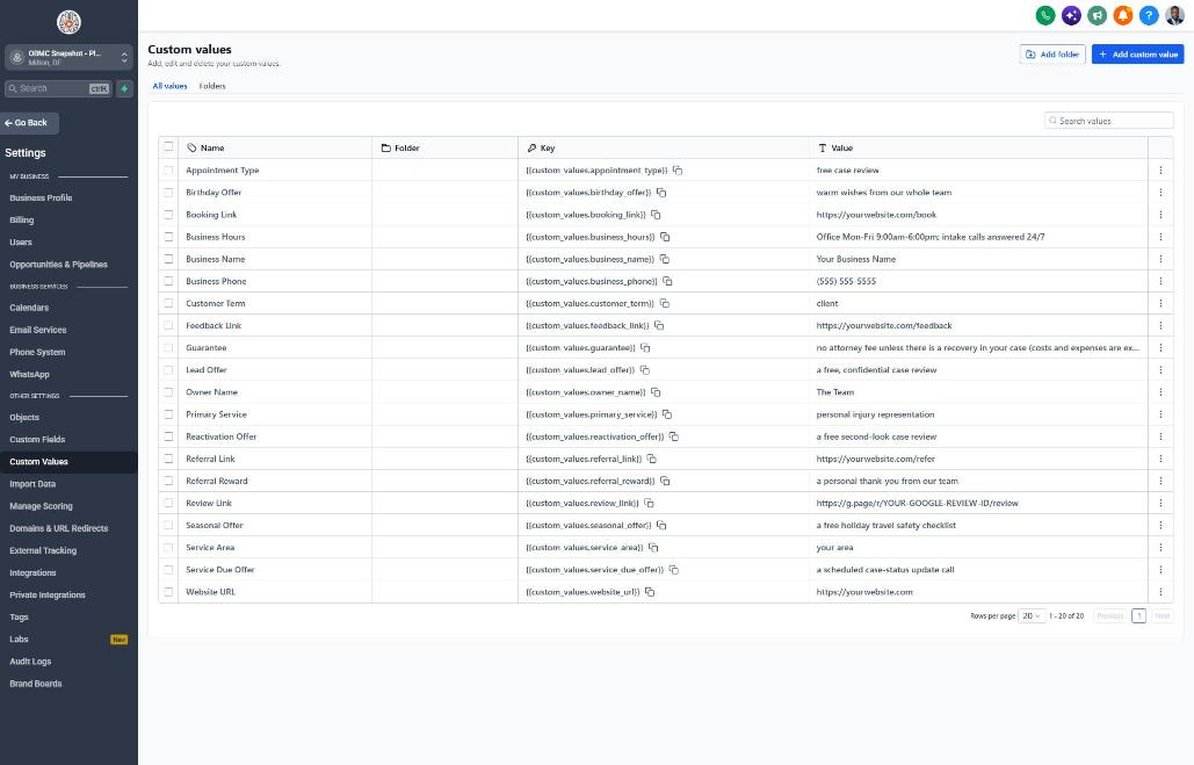
- Go to Settings > Custom Values and fill in business name, owner name, phone, and all links
- Replace the Guarantee value with the exact fee language from the firm's agreement
- Add the firm logo in Settings > Business Profile so forms and emails are branded
Lesson 2 of 6
Capture Inquiries and Respond First, 24/7
Make sure every inquiry, from forms or calls, gets a response within moments.
- Open Sites > Forms > Builder and edit the Free Case Review form with Case Type, Date of Incident, and prior-representation questions
- Add consent and 'no attorney-client relationship' text above the submit button
- Open Automation > Workflows > 01 New Lead and confirm the form trigger and intake notification
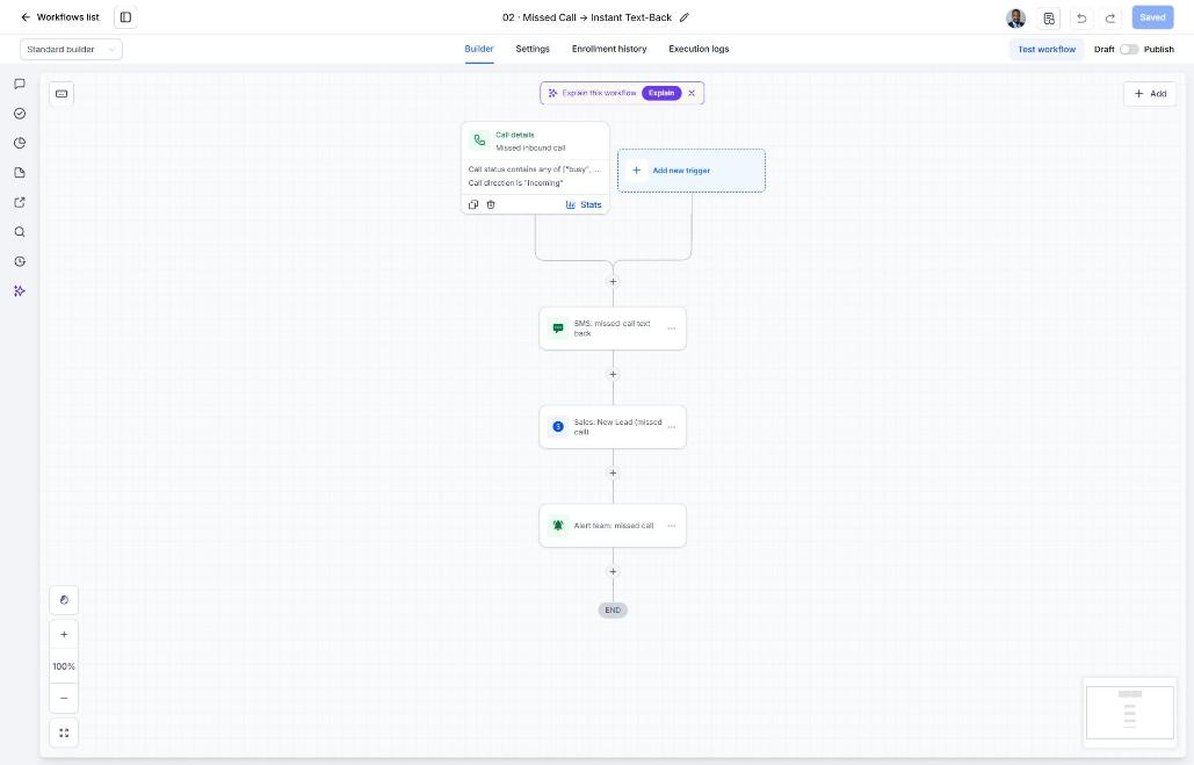
- Open workflow 02 Missed Call and confirm calls forward to intake or your answering service
- Submit a test inquiry after hours and confirm the text, email, and New Inquiry opportunity
Lesson 3 of 6
Book Free Case Reviews and Recover No-Shows
Turn inquiries into case reviews that actually happen.
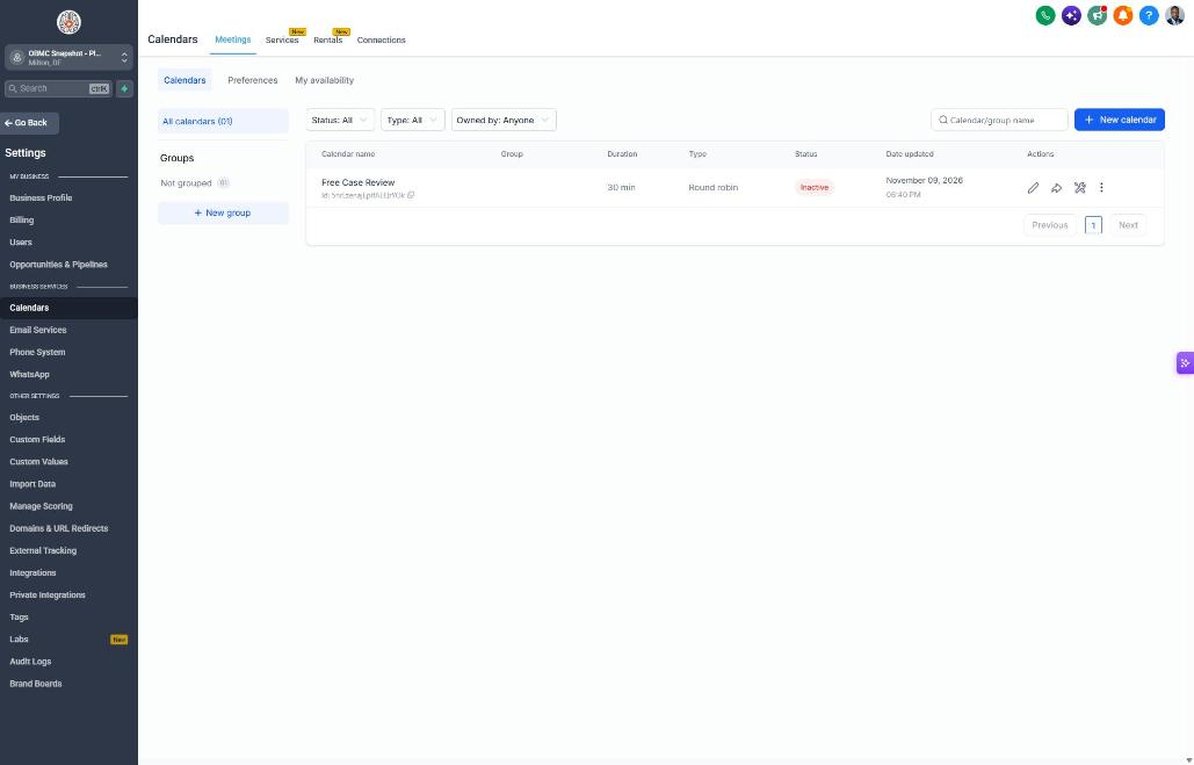
- Go to Calendars > Calendar Settings and open Free Case Review
- Assign intake staff or attorneys and set hours, including evenings if your firm offers them
- Enable phone and video meeting options in the calendar's location settings
- Open workflow 04 and confirm reminders list what to have on hand
- Mark a test appointment as no-show and confirm workflow 05 offers a phone review
Lesson 4 of 6
Work the Intake Pipeline Through Signing
Track every inquiry to a decision and follow up on unsigned fee agreements.
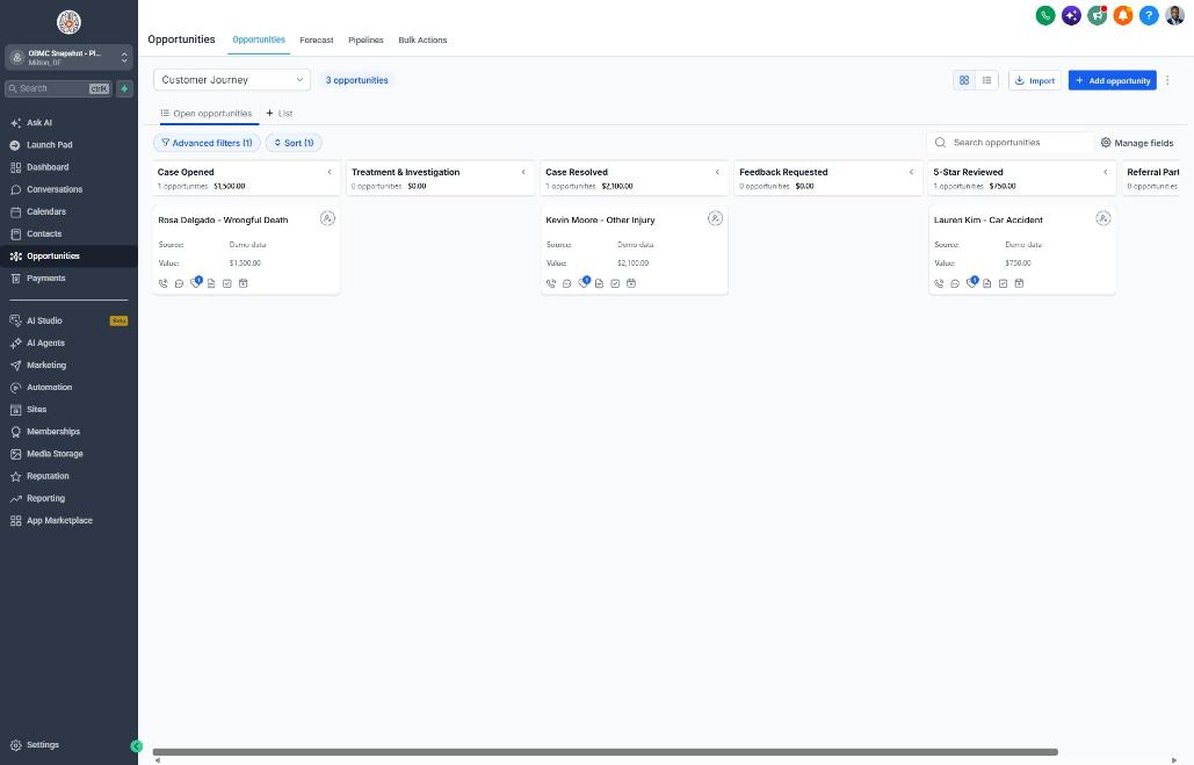
- Open Opportunities > Pipelines > Sales Pipeline and review stages from New Inquiry to Signed Client
- Move a test opportunity to Fee Agreement Sent and confirm workflow 07 starts
- Set workflow 18 to alert intake when an agreement is unsigned for 2+ days
- Move a test deal to Signed Client and confirm workflows 08 and 21 both start
- Move a declined inquiry to Not Signed and confirm workflow 09 nurture begins
Lesson 5 of 6
Client Updates, Reviews, Referrals, and Reactivation
Keep clients informed, earn reviews at case resolution, and re-engage past inquiries.
- Open workflow 19 and set the monthly case check-in for contacts in the Treatment & Investigation stage
- Go to Reputation > Settings, connect Google Business Profile, and paste the review link into Custom Values
- Open workflow 11 and route 1-3 star feedback to the managing attorney
- Confirm workflow 12 contains no referral rewards or incentives
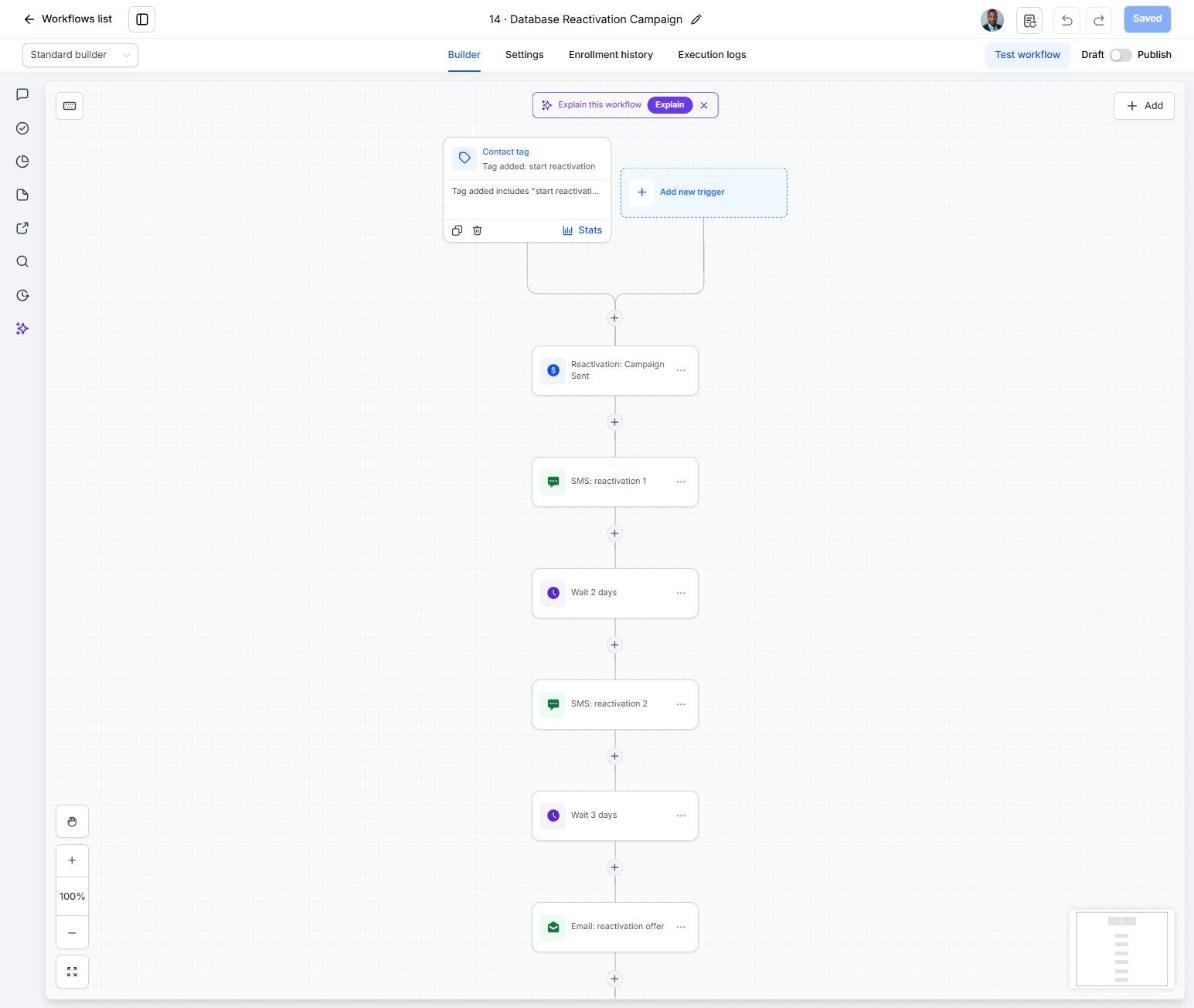
- Tag past unsigned inquiries 'reactivation' in Contacts and enroll them in workflow 14 in small batches
Lesson 6 of 6
Launch Document Collection and Optimize Intake
Shorten time to a complete file and keep improving intake numbers.
- Open workflow 21 and add the firm's secure upload link and authorization e-sign link to the email
- Set the workflow to stop when Documents Received equals 'All requested'
- Build a Smart List in Contacts for signed clients with Documents Received = None yet or Some
- Have the responsible attorney approve all copy, then publish all workflows
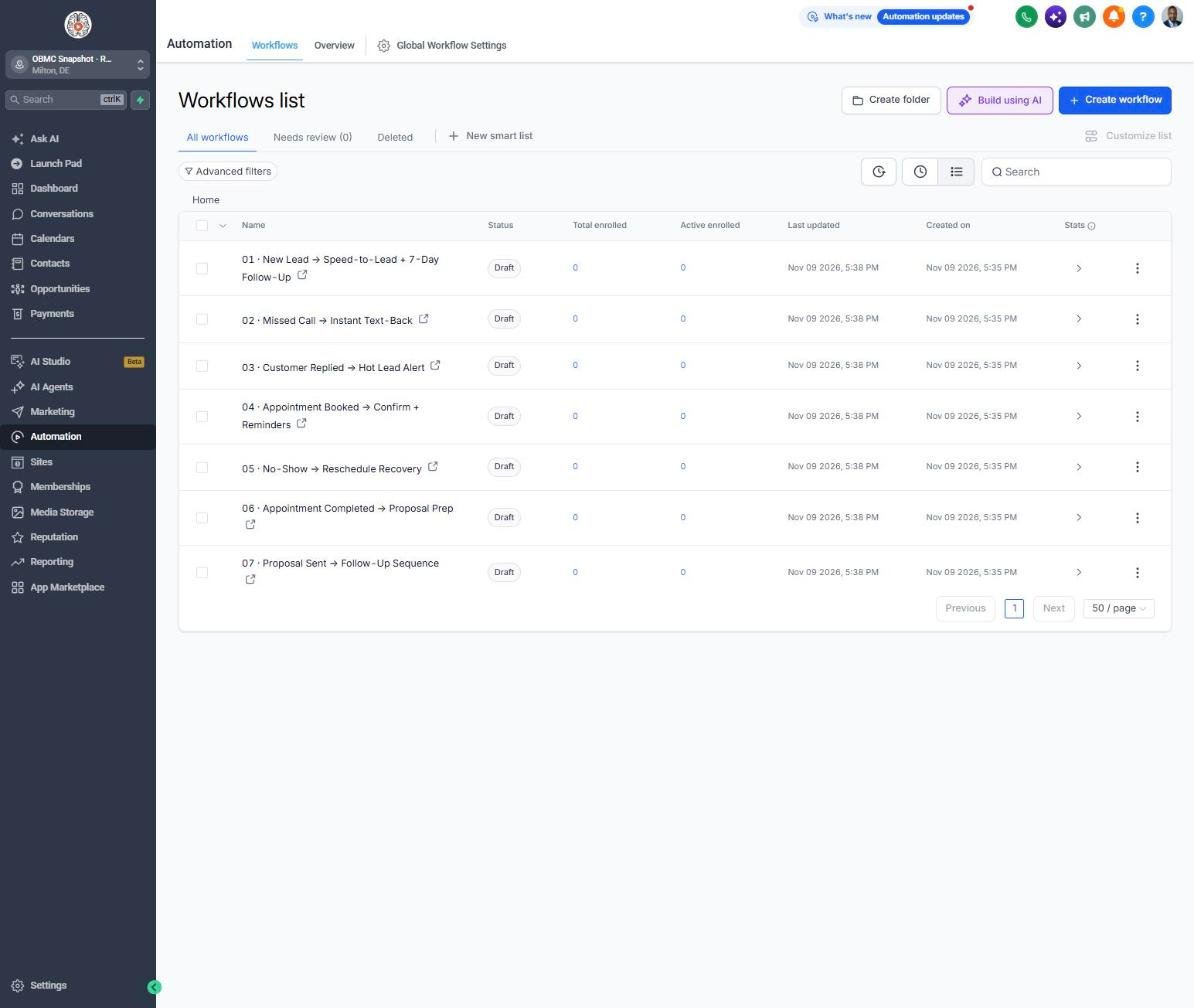
- Review time to first contact, signing rate, and document completion weekly in Reporting and Opportunities
Launch your next pi law client this week
One-time $397. Includes the snapshot, both PDFs, the walkthrough and the mini-course. Or get all 20 niches for $1,997.