
🧽 GoHighLevel snapshot · Cleaning Services (Residential & Commercial)
Cleaning snapshot mini-course
Six short visual lessons. Follow along in your own GoHighLevel account and you’ll be live by lesson 6.
Lesson 1
Install the Snapshot and Brand It for Your Cleaning Company
Lesson 2Answer Every Quote Request in Seconds
Lesson 3Book Walkthroughs and Recover No-Shows
Lesson 4Follow Up on Every Quote
Lesson 5Reviews, Referrals and Bringing Past Clients Back
Lesson 6Launch the Recurring Plan Engine
Lesson 1 of 6
Install the Snapshot and Brand It for Your Cleaning Company
Load the snapshot and make every message sound like the cleaning company.
- Load the snapshot from Agency view > Account Snapshots > Imported Snapshots
- Fill in Settings > Business Profile and confirm the time zone
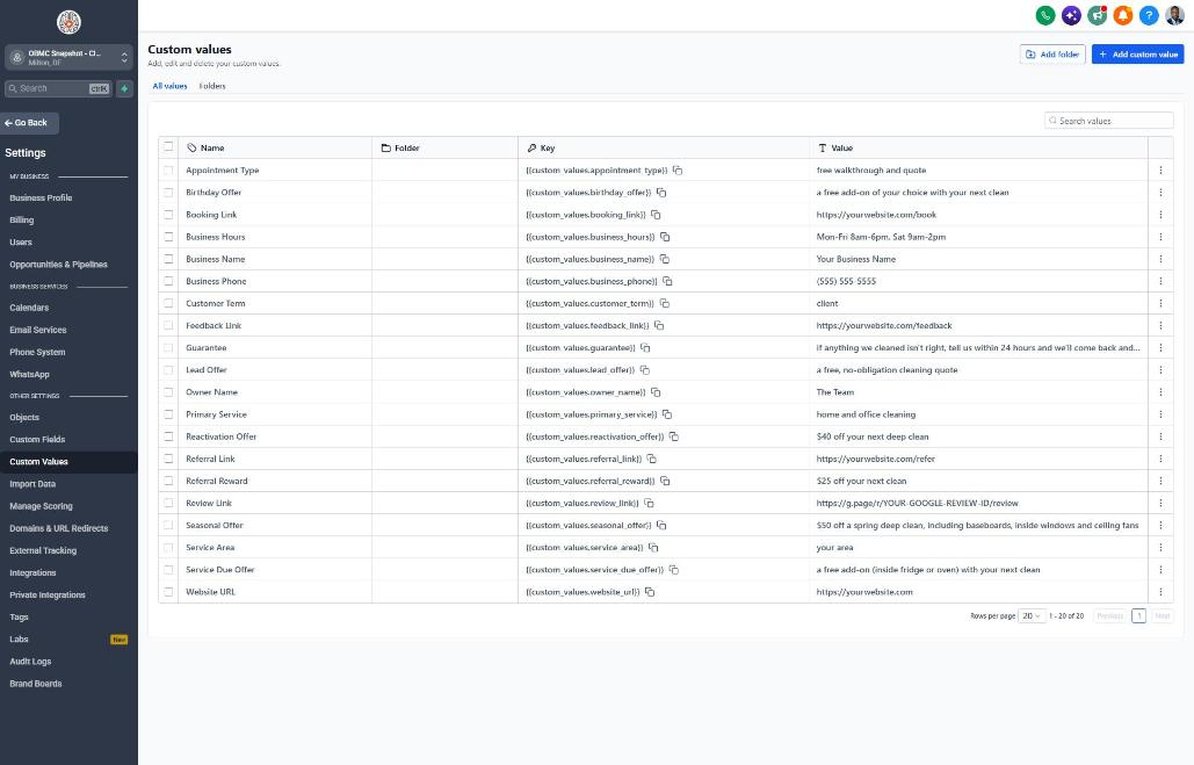
- Complete every value in Settings > Custom Values
- Set real offers in Lead Offer, Reactivation Offer and Seasonal Offer
- Review the 7 cleaning fields in Settings > Custom Fields
Lesson 2 of 6
Answer Every Quote Request in Seconds
Make sure every form fill and missed call gets an instant, human reply.
- Open Sites > Forms > Builder and check the property type, bed/bath and frequency questions
- Embed the form on the website's booking page
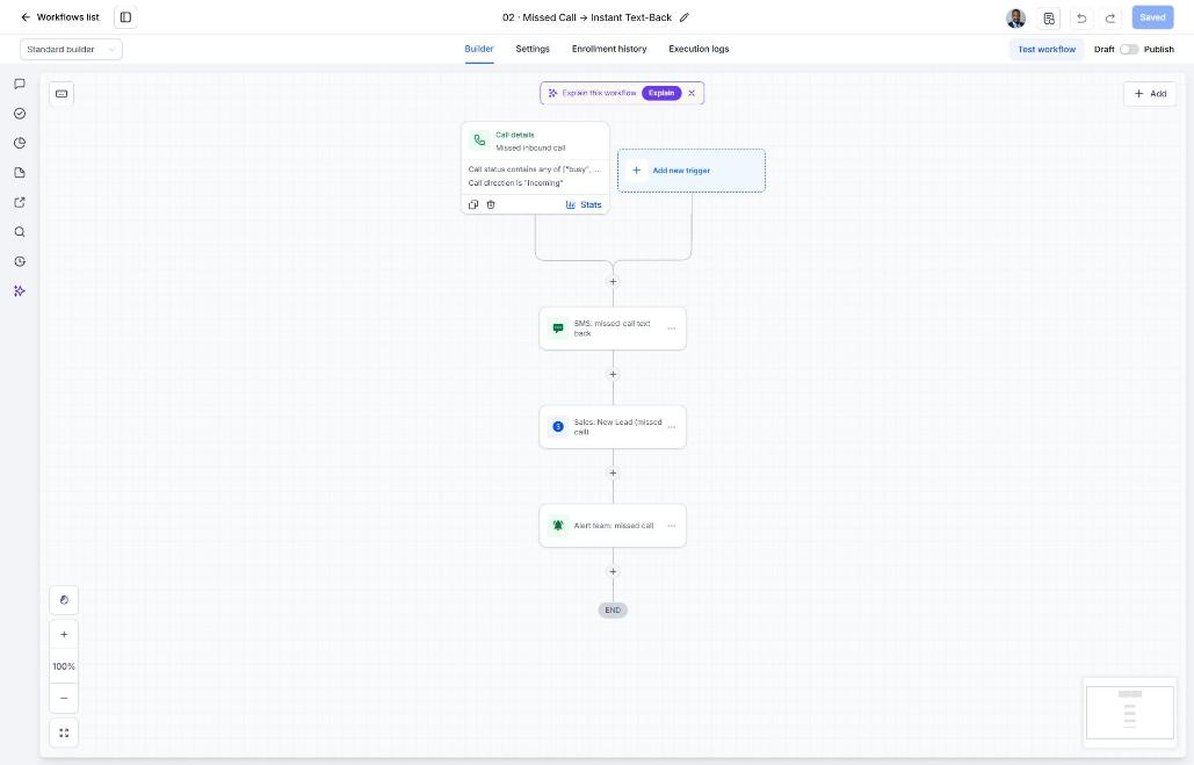
- Review the instant reply and follow-ups in Automation > Workflows > 01
- Confirm Workflow 02 missed-call text-back is published
- Test with your own phone number
Lesson 3 of 6
Book Walkthroughs and Recover No-Shows
Get walkthroughs booked and make sure they happen.
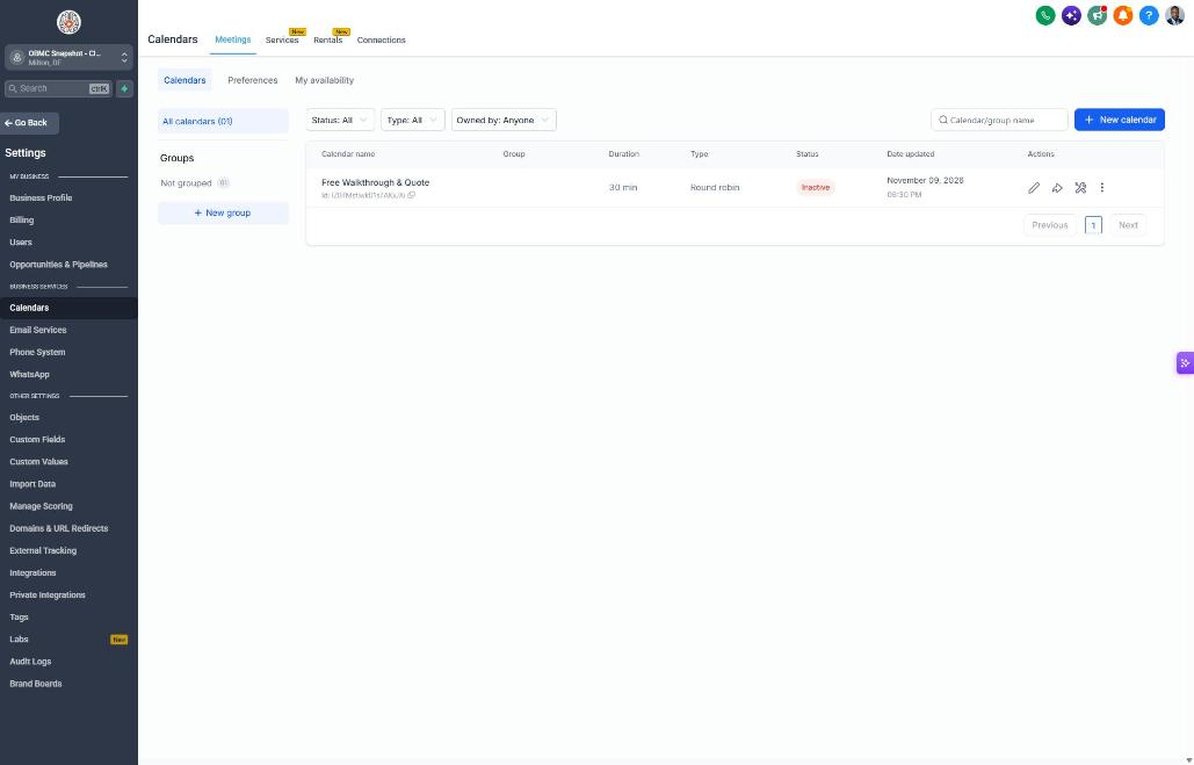
- Open Calendars > Calendar Settings > Free Walkthrough & Quote
- Set availability and drive-time buffers
- Copy the booking link into Settings > Custom Values > Booking Link
- Review the confirmation and reminders in Automation > Workflows > 04
- Review the photo-quote option in Workflow 05
Lesson 4 of 6
Follow Up on Every Quote
Move every quote through the pipeline until it's won or closed.
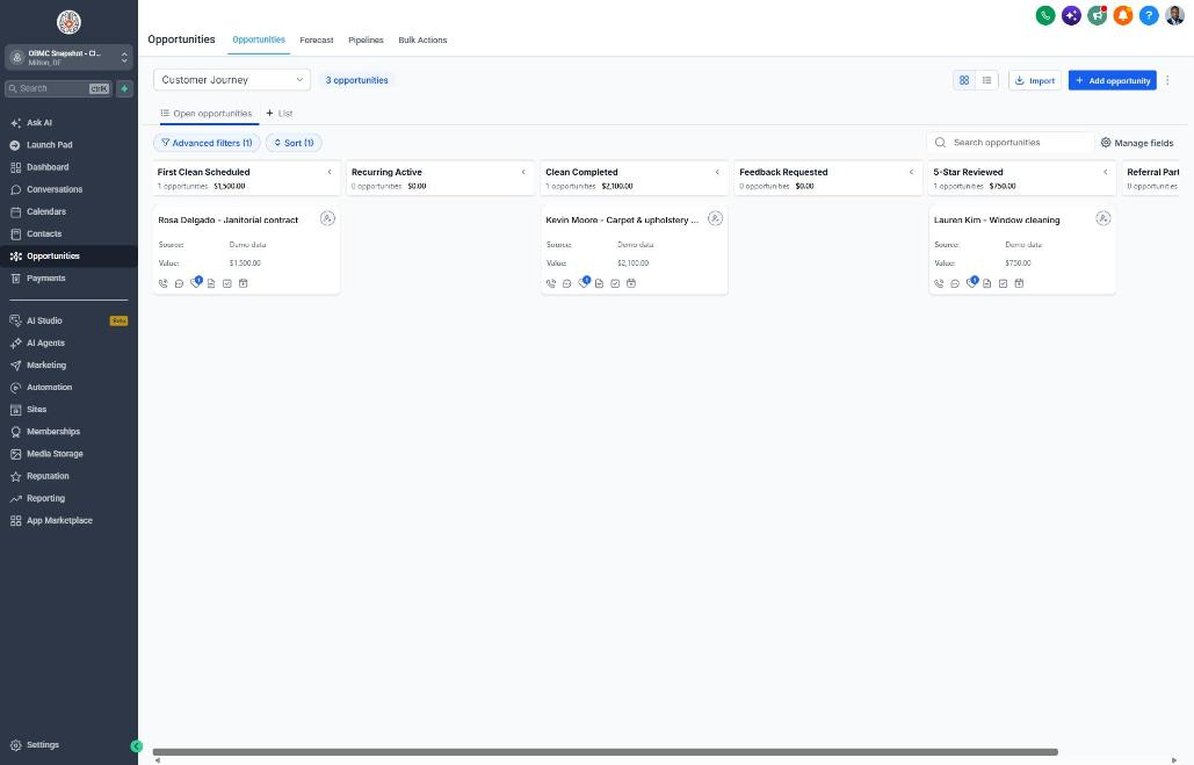
- Open Opportunities > Pipelines and review the Walkthrough Booked to Won stages
- Move a test deal to Quote Sent and watch Workflow 07 start
- Add recurring-client values to deals
- Point the Workflow 18 stale deal alert to the owner's phone
- Clean up the pipeline weekly
Lesson 5 of 6
Reviews, Referrals and Bringing Past Clients Back
Turn happy clients into reviews and referrals and bring lapsed ones back.
- Connect Google Business Profile in Settings > Integrations
- Copy the review link into Settings > Custom Values
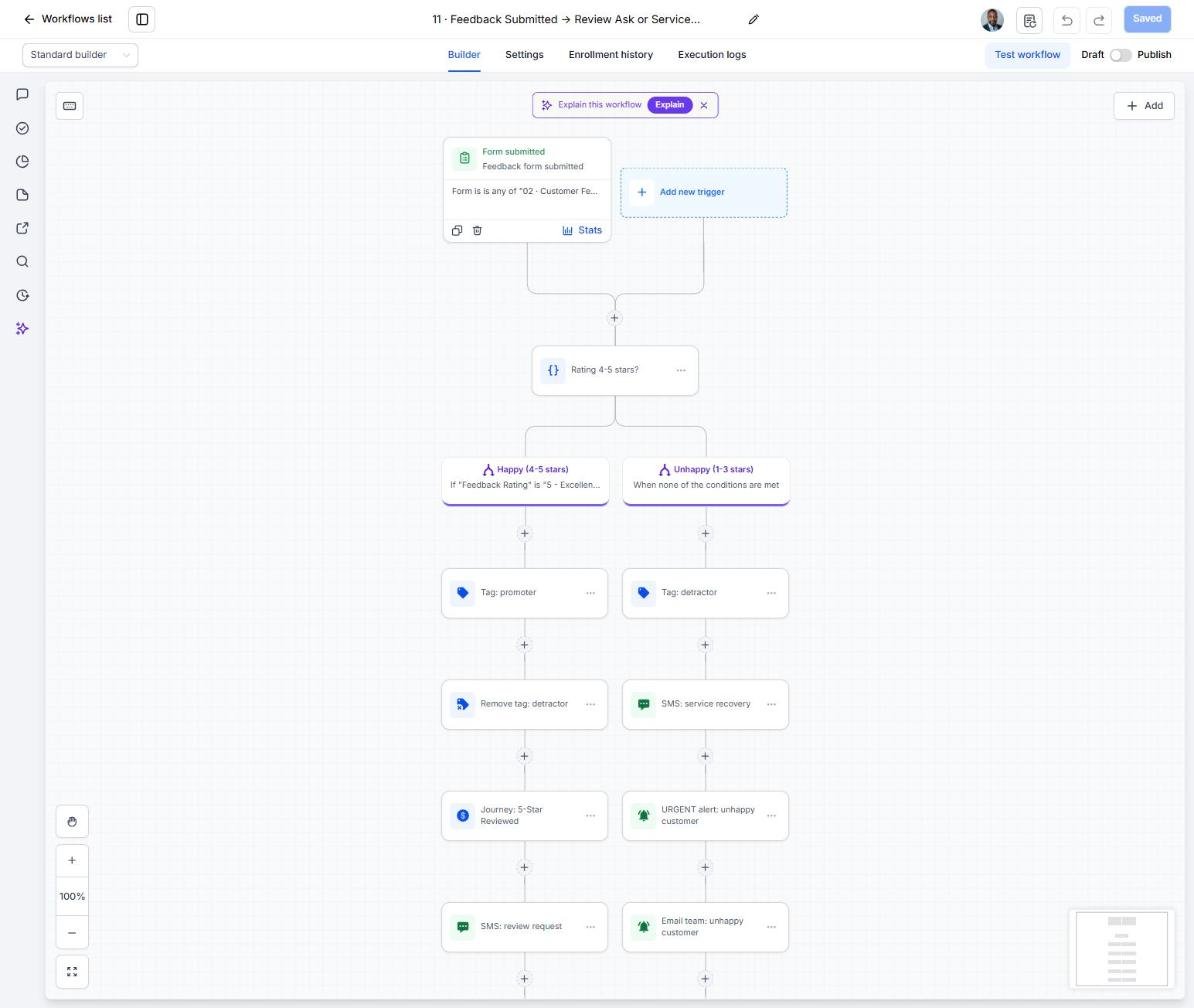
- Review the 4-5 star vs 1-3 star split in Automation > Workflows > 11
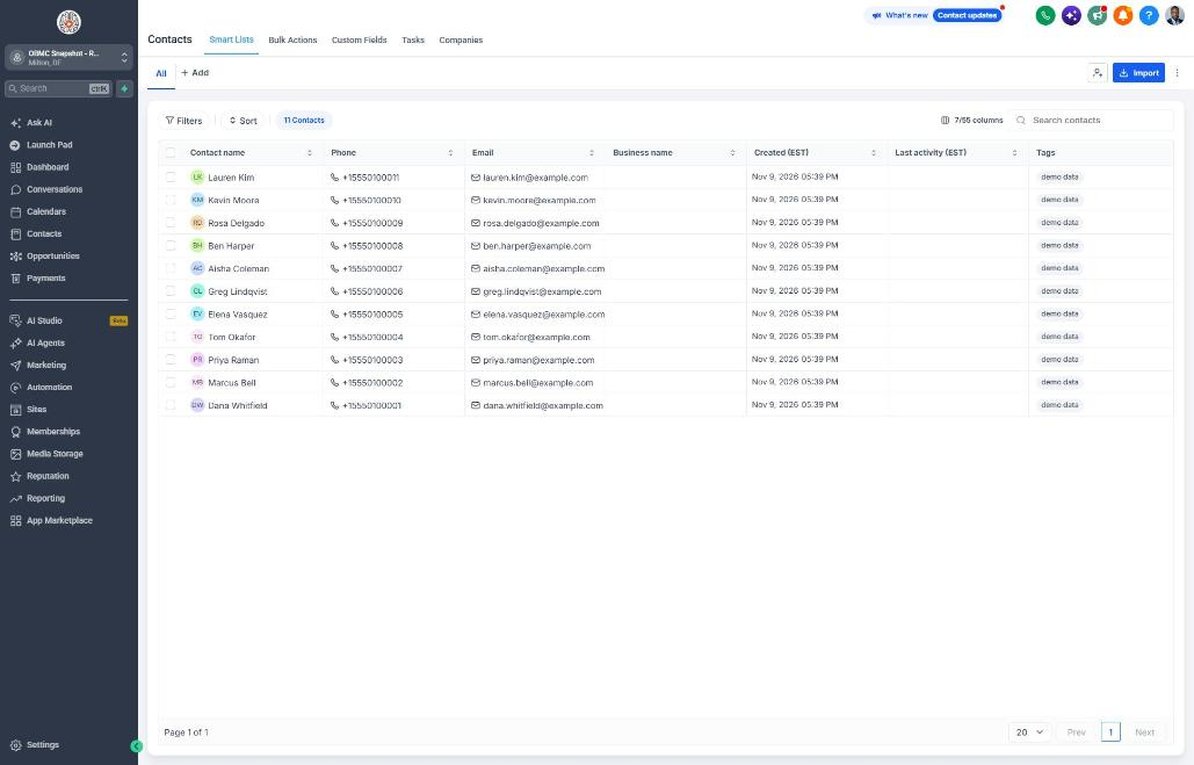
- Import past clients in Contacts > Import
- Tag a test group 'start reactivation' to launch Workflow 14
Lesson 6 of 6
Launch the Recurring Plan Engine
Convert first cleans into recurring clients and keep the schedule full.
- Filter Contacts by Cleaning Frequency = One-time
- Tag recent first-clean and move-in clients 'niche campaign' to start Workflow 21
- Set Next Service Due for lapsed clients and tag them 'service due'
- Plan the spring and pre-holiday Seasonal Promo dates
- Review conversion and review KPIs on the Dashboard weekly
Launch your next cleaning client this week
One-time $397. Includes the snapshot, both PDFs, the walkthrough and the mini-course. Or get all 20 niches for $1,997.